
PRAXIS SCIENCE LAB / ANDROID
CyberSpec — Publishing Materials
English listing, data inventory, graphics and release checks.
Preparation materials, not a submission or Google approval. Use these fields only for a verified release with the described functionality.
| Field | Prepared value / action |
|---|---|
| Title | CyberSpec: Sensor Analyzer |
| Package | ro.praxissciencelab.cyberspec |
| Reviewed version | 0.1.0 (1) |
| Publisher | Praxis Science Lab |
| Support email | traiananghel@gmail.com |
| Suggested category | Tools |
| App access | No login or restricted account access |
| Ads | Offline edition: no ads or Internet permission. Separate development edition: Google sample ads only; no commercial monetization configured. |
| Target audience and IARC | Answer from the real intended audience and final content. No age rating has been assigned here. |
| Health declaration | No health functionality in the reviewed scope; complete the form accurately |
English listing
Short description
Explore live sensors, Wi-Fi signals, battery health and sound spectra.
Full description
Turn your Android device into a pocket diagnostics lab with a dark, neon dashboard. CyberSpec reads measurements directly from Android, with no account or developer-operated backend.
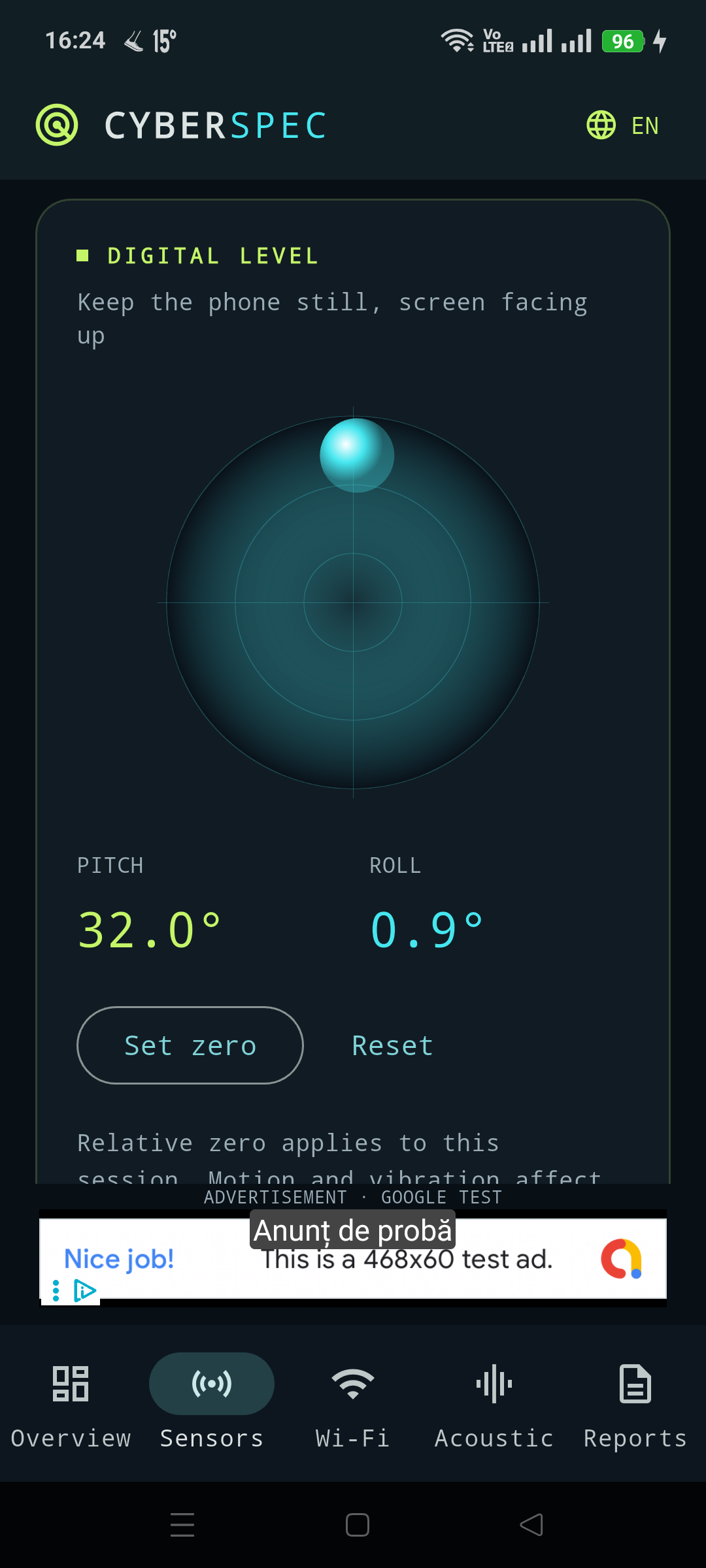
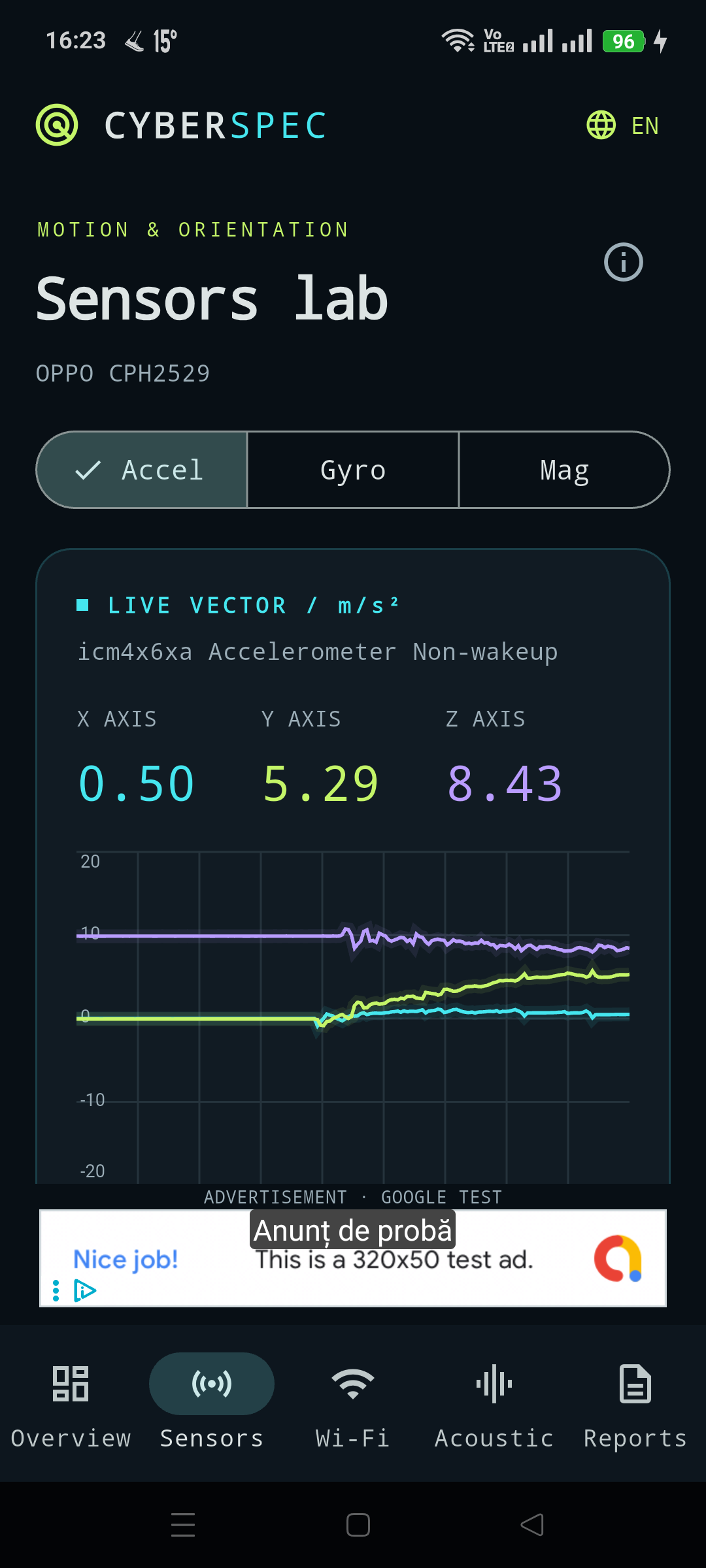
Explore accelerometer, gyroscope and magnetometer readings with live X/Y/Z plots. Freeze a trace, inspect sensor details and use the digital bubble level with relative zero.
Monitor battery temperature, voltage, current and health, alongside RAM, storage and Android thermal status. Availability depends on the device.
Inspect Wi-Fi signal strength, link speed, band and channel. Compare nearby networks and use audible signal-finder feedback while moving around. Scanning follows Android permissions and scan limits.
Start the microphone manually to view a waveform, dBFS level and FFT frequency spectrum. An adjustable calibration offset provides an approximate sound-pressure estimate.
Create and export local JSON diagnostic reports through the Android file picker. English is the default; Romanian and Spanish are included.
Version 0.1.0 is in testing. The offline edition contains no advertising SDK or Internet permission. A separate AdMob TEST edition demonstrates Google sample banners and interstitials; ads require Internet while diagnostic tools remain local. Commercial advertising is not configured.
Data safety worksheet
Prepare declarations for the exact uploaded edition. Local diagnostic processing and the separate Google Ads test configuration have different network and SDK behavior. No production submission is prepared by this page.
Sensor, battery, memory and Wi-Fi information is processed on the device. The app does not read GPS coordinates. Microphone samples are processed in memory; raw audio is not saved as a recording. There is no app account or developer-operated cloud service.
Language preference and calibration offset stay in private app storage. JSON reports are exported only on request to the destination selected in the Android file picker. Reports exclude SSIDs and the network list, but include device diagnostics and sensor samples; review them before sharing.
The offline edition (ro.praxissciencelab.cyberspec) excludes Internet permission and Google advertising SDKs. Wi-Fi access and Location permission support nearby-network scanning. Microphone permission is requested for acoustic analysis. Sensor and microphone capture stop when the app goes into the background; microphone capture does not restart automatically.
The separate AdMob TEST edition (ro.praxissciencelab.cyberspec.admobtest) includes Google advertising SDKs and Internet access. It requests Google sample ads automatically, with a banner above navigation and an interstitial after a report when available. Test ads do not generate revenue, but Google may process connection information, identifiers, interactions and diagnostics. Google privacy policy: https://policies.google.com/privacy . This development edition is not intended for public release. Production advertising identifiers and the applicable consent configuration remain unconfigured.
A document provider or app you select to save or share a report handles that file under its own practices.
Media
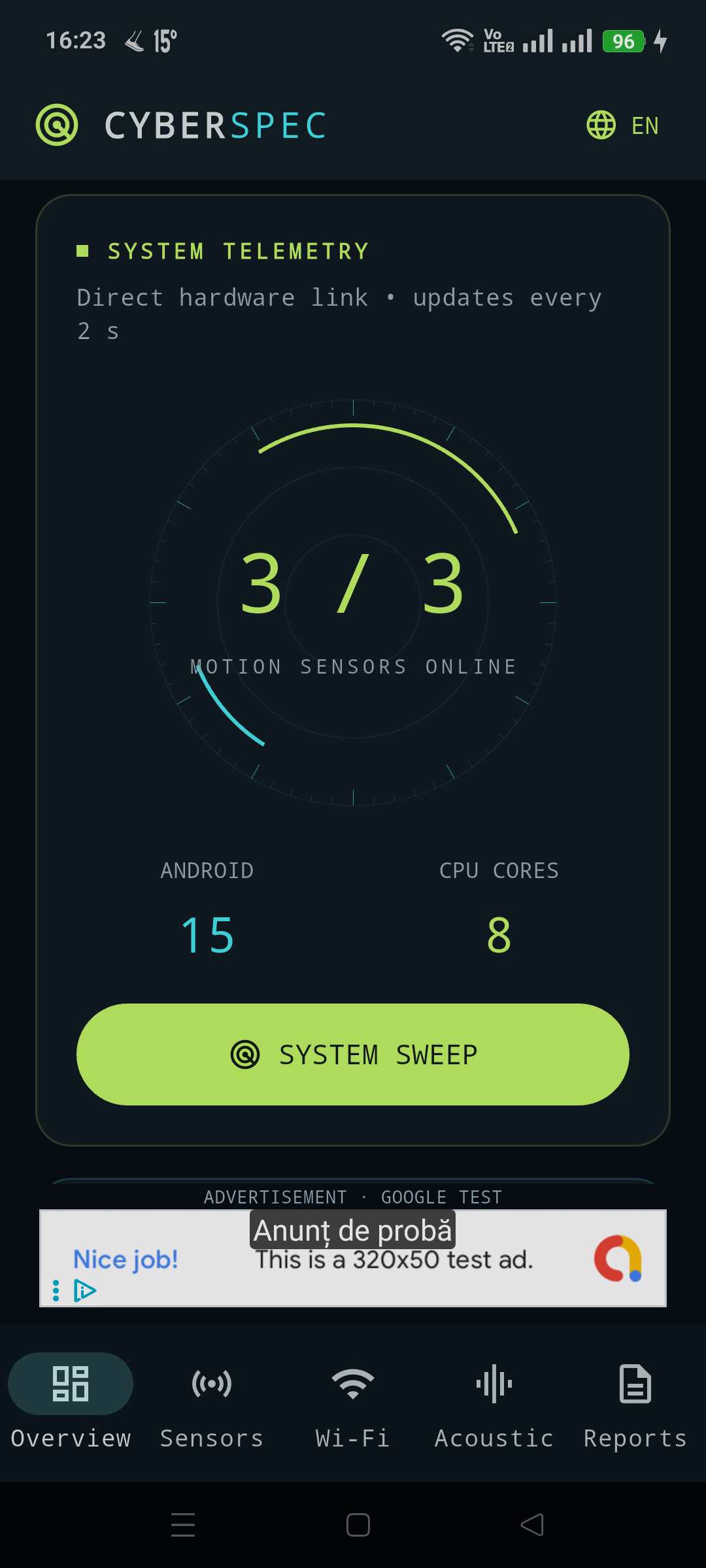
Capture at least two authentic screenshots from the final app. Do not use simulated screens, synthetic medical fixtures or old-brand captures. Screenshot language must reflect the actual app; English captions do not imply an English-only interface.
Actual Android test-build captures, prepared for listing review. Recheck against the final upload build.
Remaining release checks
- Prepare production signing and a verified release artifact.
- Complete representative device testing and final store artwork.
- If commercial ads are enabled, configure production identifiers, applicable consent and matching disclosures.
- Complete release-specific Play Console declarations and testing.