
PRAXIS SCIENCE LAB / ANDROID
LuminaPro — Publishing Materials
English listing, data inventory, graphics and release checks.
Preparation materials, not a submission or Google approval. Use these fields only for a verified release with the described functionality.
Download the English publishing kit (ZIP)
| Field | Prepared value / action |
|---|---|
| Title | LuminaPro |
| Package | com.praxissciencelab.luminapro |
| Reviewed version | 1.0.1 (2) |
| Publisher | Praxis Science Lab |
| Support email | traiananghel@gmail.com |
| Suggested category | Tools |
| App access | No login or restricted account access |
| Ads | Test banners in Settings with all lighting stopped. Commercial products are not configured; no revenue is generated by test ads. |
| Target audience and IARC | Answer from the real intended audience and final content. No age rating has been assigned here. |
| Health declaration | No health functionality in the reviewed scope; complete the form accurately |
English listing
Short description
LED torch, screen light, Morse, timers and custom light patterns.
Full description
Use the LED torch or screen light, choose a colored light bulb or reading mode, and set a timer. LuminaPro includes SOS, Morse, strobe and color modes, plus a custom light-pattern editor with JSON import and export.
Control lighting through the app, home-screen widgets, a Quick Settings tile or the active-light notification. Optional gestures work while the app is open. Battery and temperature information and thermal protection help manage lighting sessions.
LED intensity adjustment requires Android 13 or later and compatible hardware; otherwise brightness is fixed. Screen lighting stops in the background. User-started LED sessions can continue with a visible foreground service and stop when the app is removed from Recents.
All lighting functions remain free and work offline. Version 1.0.1 uses test banners only in Settings while all lighting is stopped. Commercial purchases are not configured. English, Romanian and Spanish, light/dark themes and accessibility options are included.
Developed by Traian Anghel. Published by Praxis Science Lab.
Data safety worksheet
Not a completed store declaration. Test advertising may transmit identifiers, IP/approximate location, interactions and diagnostics to the store-specific provider. Lighting settings and patterns remain local. Review consent, intended audience, SDK disclosures and observed behavior for each final signed artifact. Do not declare no data collection merely because test ad IDs are used.
LED control, screen light, battery level and temperature, motion and ambient-light readings, settings, Morse messages and custom light patterns are processed on your device. The app does not capture photographs, video or audio, use location permission, provide its own user account or upload messages and patterns to a developer server. There is no separate analytics or crash-reporting SDK.
Camera permission controls the LED only. Notification permission makes active-light controls visible. A foreground service and, when needed for timing, a wake lock keep user-started LED sessions running in the background. Sensors support optional gestures and brightness adjustment. Internet and network-state access support advertising and store services. Core lighting works offline. Banners are limited to Settings while all lighting is stopped.
Version 1.0.1 uses test banners only, after applicable advertising choices and when internet is available. Test advertisements do not generate revenue but may still send information to their provider. Refusing ads, no-fill or loss of connectivity does not block normal use. There are no interstitials, app-open ads or mandatory rewarded ads in this configuration.
The Google variant uses Google Mobile Ads and User Messaging Platform. Depending on consent and configuration, Google may process IP addresses and derived approximate location, device/advertising identifiers, interactions and diagnostic information for advertising, service operation and fraud prevention. The Huawei variant uses Huawei Ads Lite and requests non-personalized test banners after explicit acceptance; Huawei may process device/network identifiers, IP addresses, interactions and diagnostics. Non-personalized advertising does not mean no data processing. Advertising choices are available in Settings.
Commercial products and public verification keys are not configured in this evaluation release. Google Play Billing or Huawei IAP handles the optional one-time non-consumable purchase when configured. Stores process account, payment and transaction information under their policies; the developer does not receive payment-card details. Signed purchase records, including store tokens, are cached privately and checked for entitlement and offline access. Online restoration/revalidation contacts the relevant store. Restoring on a new device requires store access; purchases do not automatically transfer between stores. No subscription is introduced.
Media
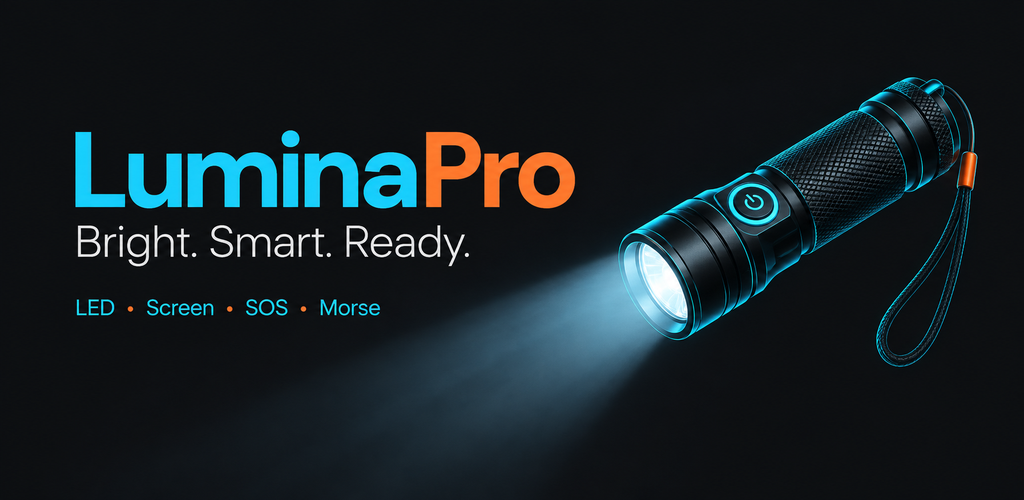
Feature graphic — 1024 × 500 PNG
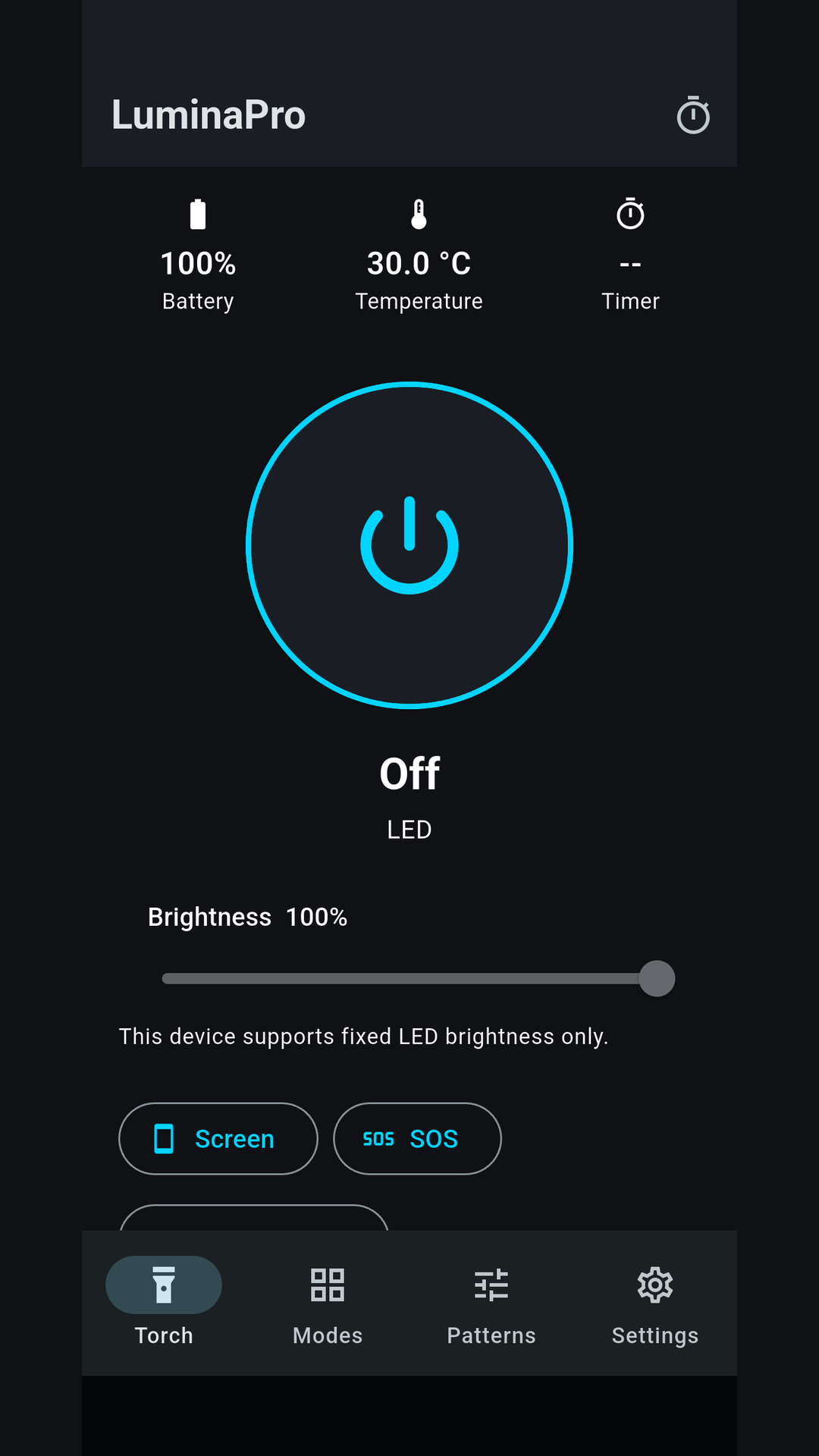
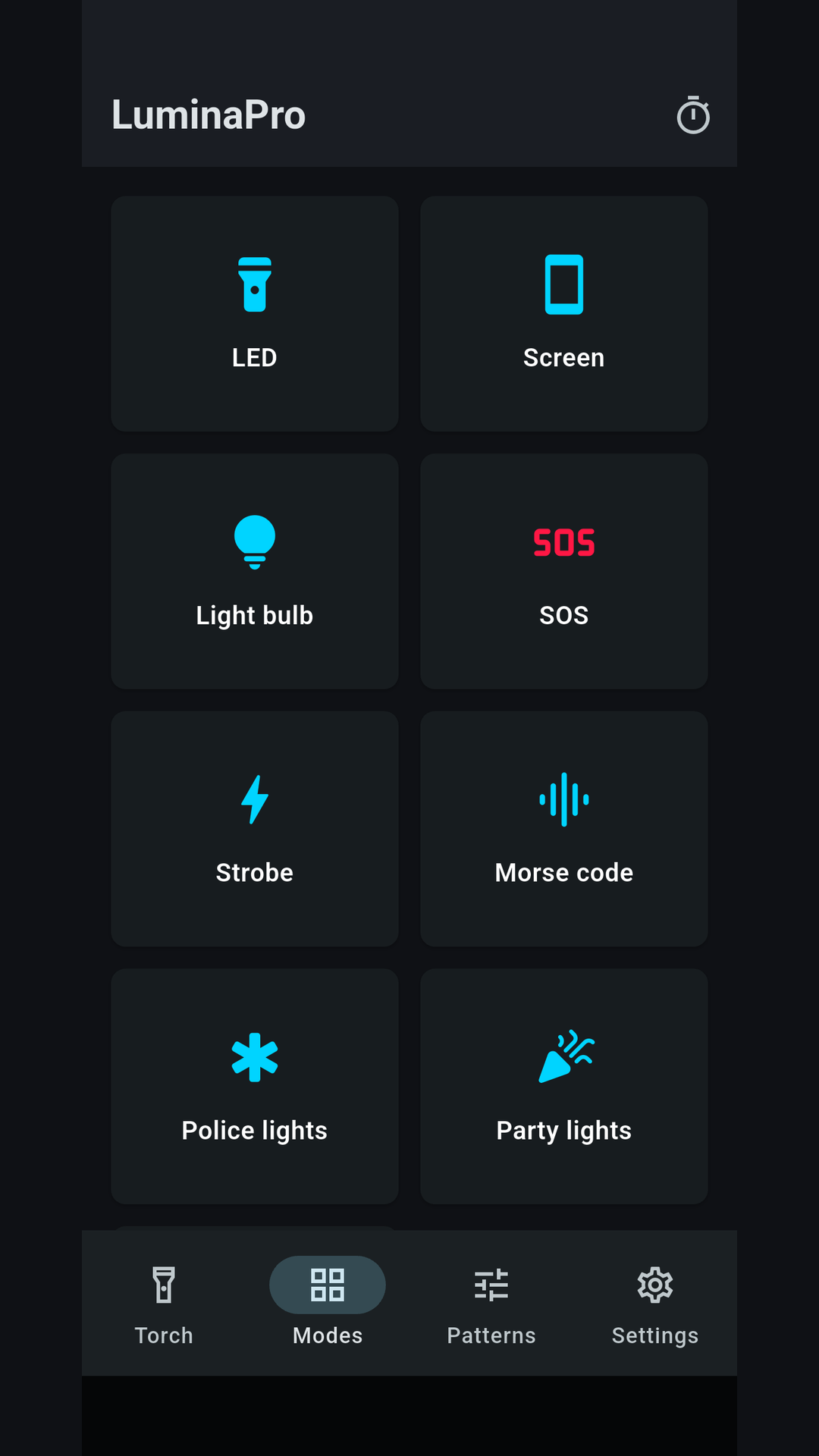
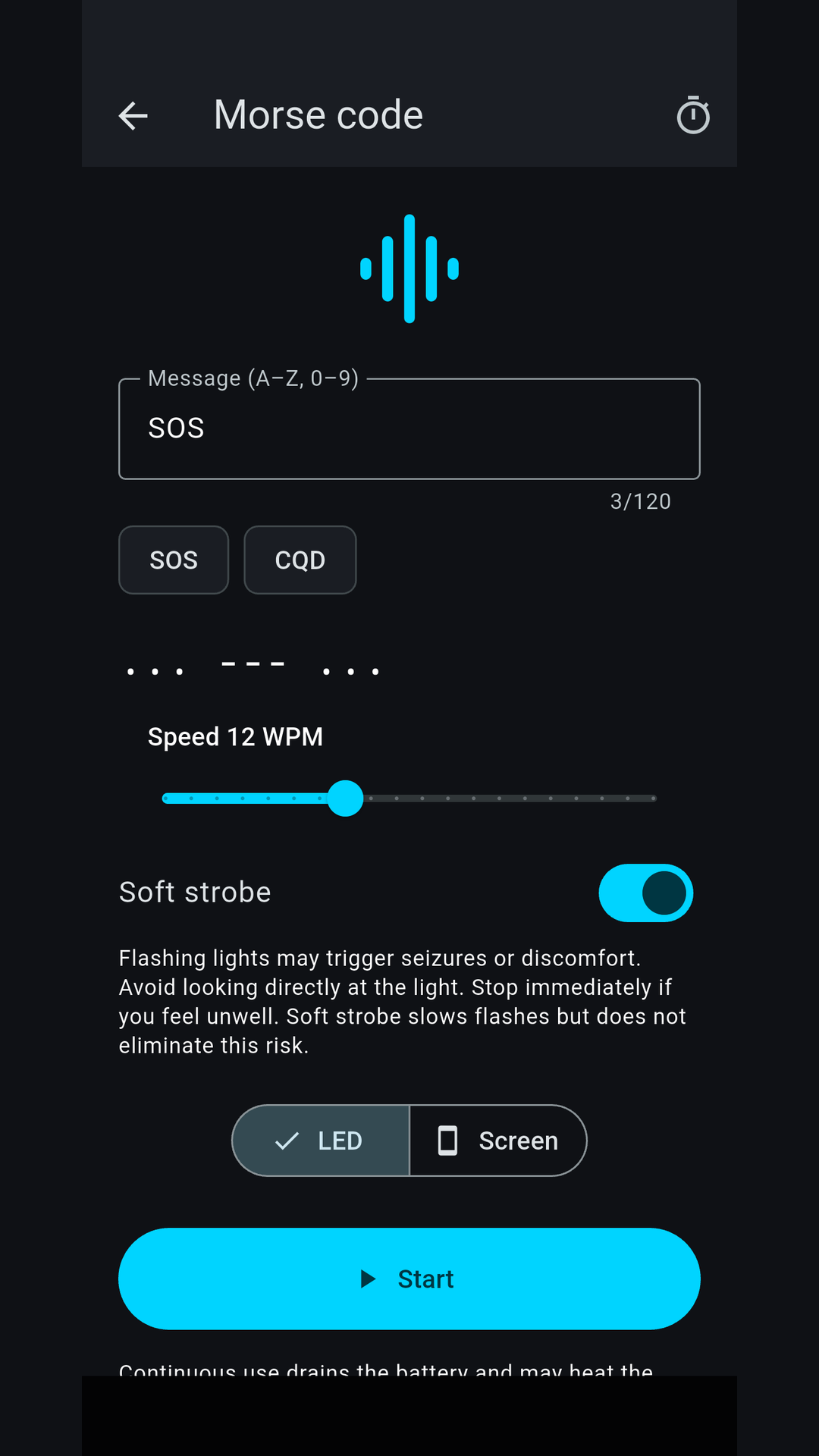
Capture at least two authentic screenshots from the final app. Do not use simulated screens, synthetic medical fixtures or old-brand captures. Screenshot language must reflect the actual app; English captions do not imply an English-only interface.
Actual Android test-build captures, prepared for listing review. Recheck against the final upload build.
Remaining release checks
- Configure real advertising and store products, verify consent and audience declarations.
- Sign with the owner-approved production keys and verify both stores independently.
- Recheck actual ads, purchases, background behavior and final screenshots on representative devices.